

Affiliate disclosure: As an Amazon Associate I earn from qualifying purchases. Shopping links marked “paid link” may earn BooksAvenue a commission.
Thinking of buying your first Kindle book in Singapore? Before you spend money on an e-reader, load up a gift card or sign up for a subscription, start with one question: can your account buy the books you actually want to read?
This guide gives you a practical starting point, a way to check your options and a short checklist to save for your next purchase.
The quick answer
You do not need to own a Kindle device to read Kindle books. Amazon offers Kindle reading apps for phones, tablets and computers. Sign in with the account used for your books to access your library. Amazon’s guide to reading without a Kindle
For Singapore readers, our recommendation is to check the specific book while signed in before buying hardware or adding funds. A general Kindle tutorial should not be treated as a guarantee that a particular title or subscription is available to your account.
📌 Bookmark this guide: use the checklist below whenever you are considering a new ebook, device or reading subscription.
1. Start with a book you want—not a device
Choose two or three books you genuinely want to read. Then check:
- Is there a Kindle edition?
- Does Amazon offer it for purchase when you are signed in?
- What currency and final price are shown?
- Is it the correct language, edition and author?
Doing this first helps you decide whether the Kindle route suits your reading list. A device is only good value if it gives you a convenient way to read the books you want.
If you are unsure whether you will enjoy digital reading, try the Kindle app and a sample where available before buying an e-reader.
Ready to explore? Browse Kindle-related offers on Amazon.com (paid link). These are search results, not a verified list of current discounts. Check the edition, price and availability for your account.
2. Use a browser to check the purchase options
Amazon documents a browser-based route for buying books for its Kindle app. Here is the basic process, where the title is available to your account:
- Open Amazon in your web browser and sign in.
- Search for the book and select its Kindle edition.
- Check the price and purchase options carefully.
- Complete the purchase only if the details are right.
- Open the Kindle app using the same Amazon account and check your library.
This gives you a straightforward place to inspect the offer if the app is confusing. Amazon’s buying guide
If you see an availability or payment error, pause. Note the exact message and ask Amazon support to confirm what your account can purchase. We do not recommend entering a false overseas address or purchasing gift cards as an experiment to get around an error.
3. Keep your first purchase small
Our suggested approach is simple: confirm that one intended purchase works before committing more money.
Avoid buying a large gift-card balance just because an old tutorial recommends it. First confirm the relevant store, payment conditions and whether the book is actually purchasable. If you cannot establish that, keep your money available for another reading option.
Likewise, assess any subscription separately. Read the offer shown to your account, including eligibility, recurring charges and cancellation terms. Do not assume that buying an e-reader includes the books or membership you want.
4. Check the library option before choosing an e-reader
If borrowing Singapore library ebooks is your main goal, this detail matters: NLB does not support Kindle-format ebooks. Its guidance points readers towards Libby and explains support for selected Kobo e-readers. NLB’s Libby FAQ
Eligible NLB members can follow the library’s instructions to set up Libby and borrow ebooks or audiobooks. Check membership eligibility and whether your chosen title is available. NLB’s Libby setup guide
Before choosing a device, write down whether you mainly want to buy Amazon ebooks, borrow library books or do both. That decision should guide the comparison.
Considering a dedicated e-reader?
If you have checked your book availability and want a separate reading device, compare the current listings before choosing.
- View Kindle Basic search results on Amazon.com (paid link)
- View Kindle Paperwhite search results on Amazon.com (paid link)
Check the model generation, seller, delivery to Singapore, total cost and warranty terms. These links open Amazon.com, not Amazon.sg; shipping and availability depend on the listing.
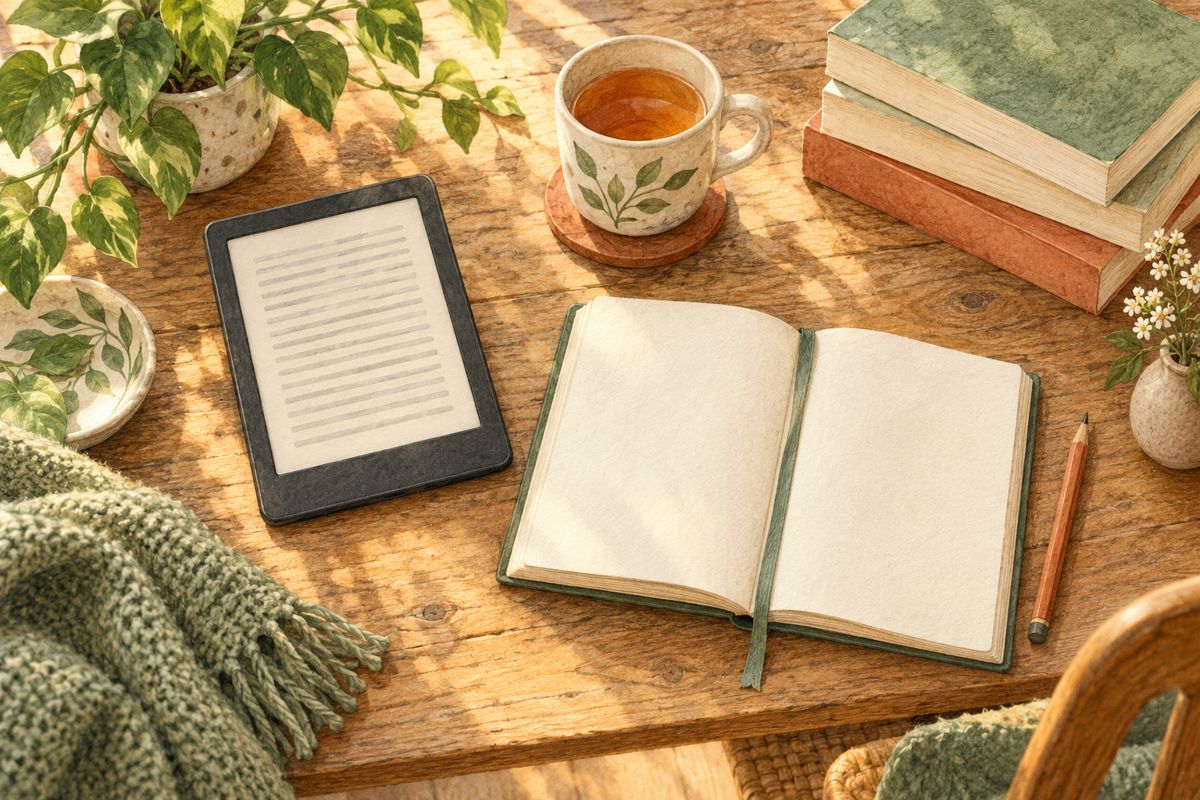
Your bookmarkable buying checklist
Before spending, check these six things:
- Book: I have found the correct title and edition.
- Availability: The offer is available while I am signed in.
- Cost: I understand the currency and final charge.
- Payment: I have checked the accepted method before adding funds.
- Reading: I know which app or device I will use.
- Alternatives: I have considered borrowing or another format.
Keep a short wish list beside this checklist. Comparing a few books you really want is more useful than buying a device because it happens to be discounted.
Make your next reading decision easier
BooksAvenue is for readers who want useful guidance before spending on books and reading technology.
Bookmark BooksAvenue.co and return when you are ready to choose your next read. For new posts, use the Subscribe box on our website.
We are planning more practical guides on reading apps, e-readers and affordable reading. Which would help you most: Kindle vs Kobo, reading without an e-reader, or understanding audiobook subscriptions? Leave a comment with your choice—or the exact question you would like us to investigate.
If this checklist helped, share it with a friend who is considering their first e-reader.

Let us know how to help you!